 Cruftless
Development leaves a lot behind.
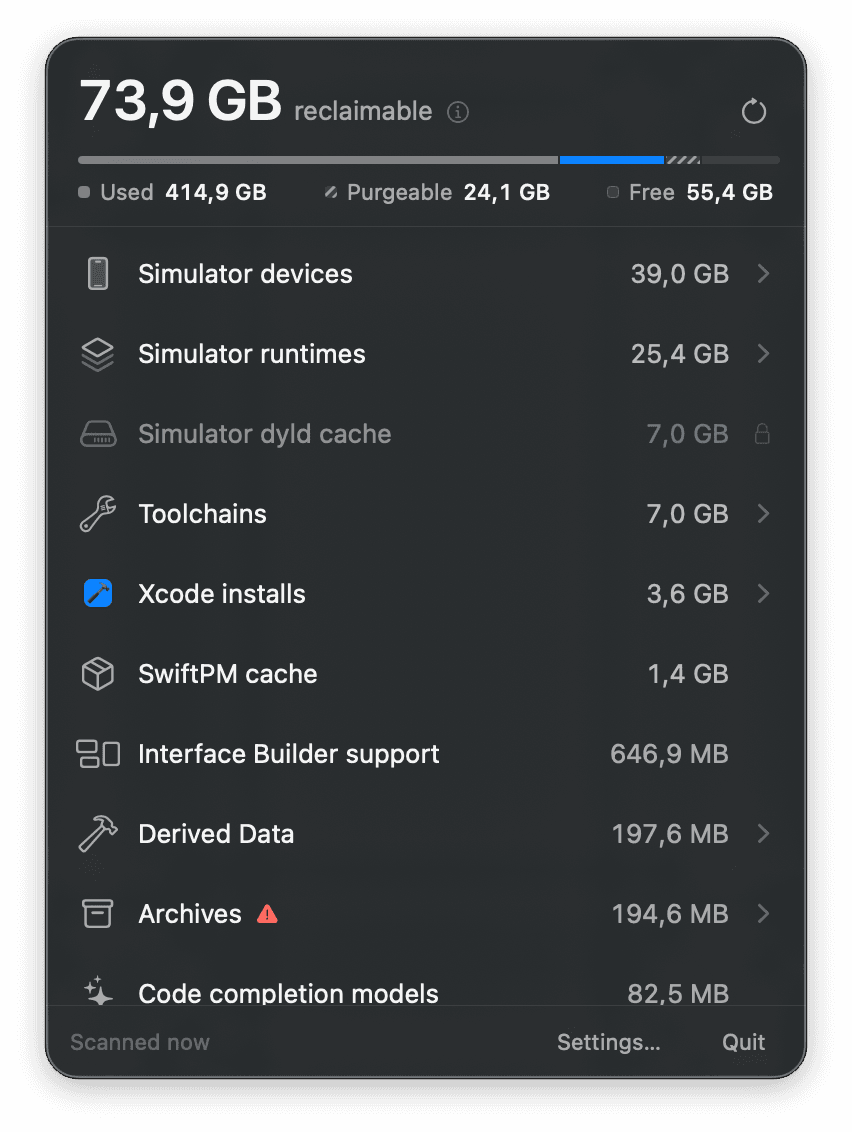
Builds, simulators, runtimes, caches, and old support files quietly accumulate on a developer Mac. Cruftless shows where that space went and helps you decide what to keep.
Homebrew installation coming soon
Cruftless is pre-release today. The verified install command will appear here when the signed build and tap are available.
Requires macOS 26 or later.
Built to remove carefully.
Cruftless permanently deletes files so the space is actually reclaimed. That makes a narrow, visible deletion path essential: you choose the target, review the consequence, and confirm before anything changes.
Scanning only measures
Opening Cruftless or running a scan never removes anything. Cleanup begins only after you choose an action.
Every removal is reviewed
Before anything is deleted, Cruftless shows the target, explains the consequence, and asks you to confirm.
Strict boundaries
Cruftless works only inside known developer-tool locations. Protected folders, symlink targets, and paths that changed after scanning are refused.
See where the space went.
Start with a storage overview, then open simulator devices or Derived Data to understand what is large before deciding whether to clear it.
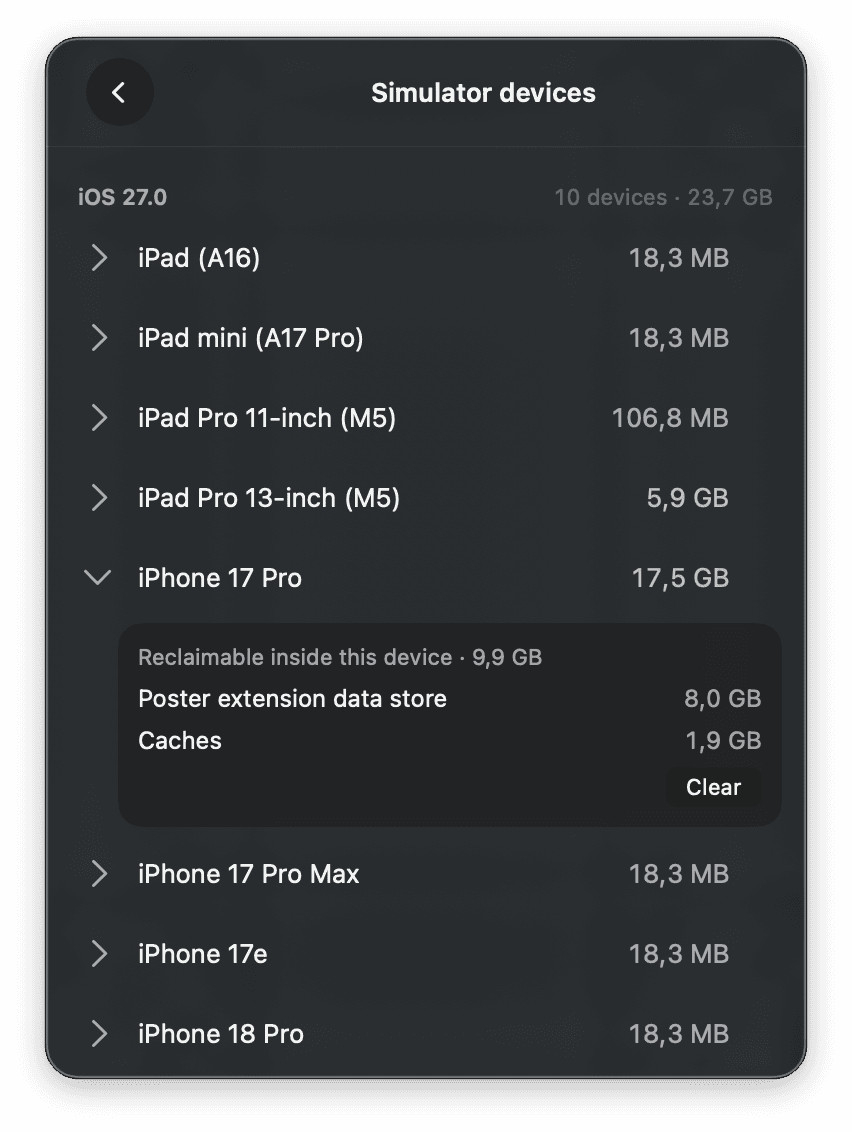
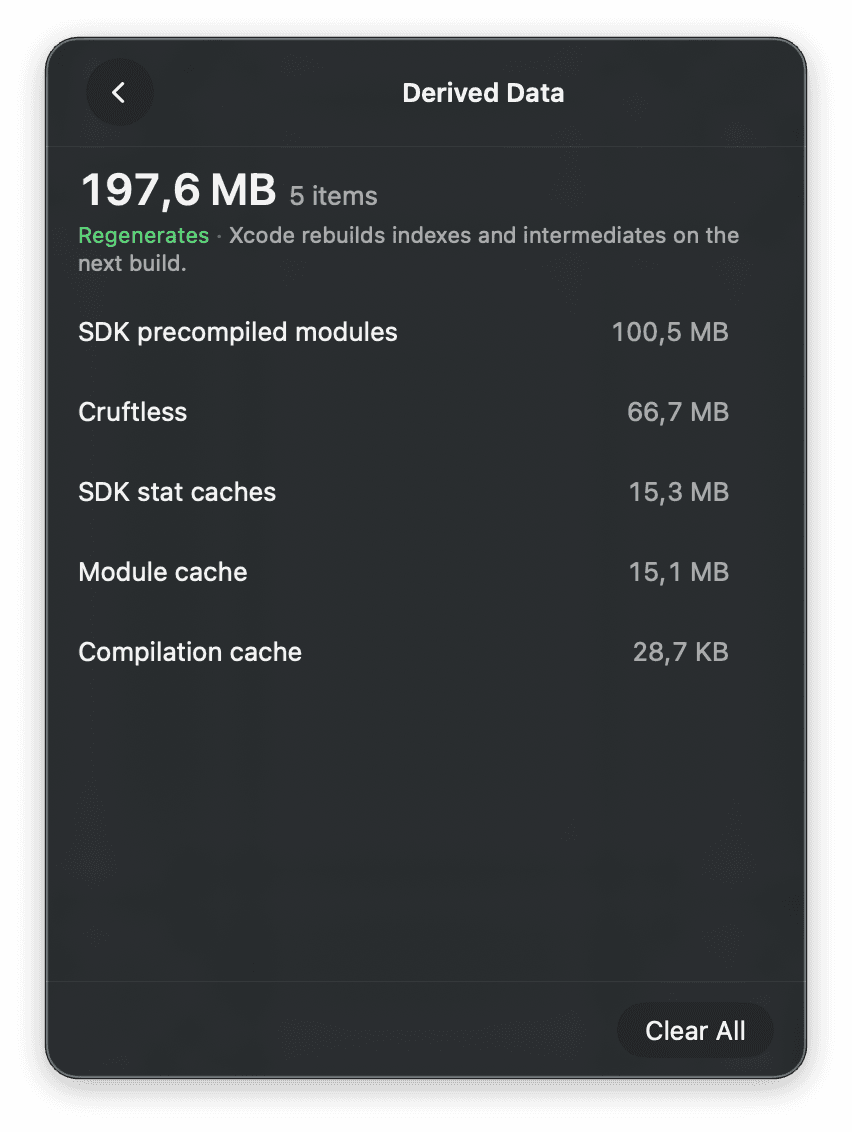
Numbers with context
- Cruftless reports APFS allocated size rather than logical file size.
- Purgeable space is shown separately because macOS already includes it in free space.
- APFS clone sharing has no public accounting API, so totals involving clones are an upper bound.
Open all the way down.
Cruftless is open source. You can inspect how it scans your disk, what it stores, and exactly where deletion is allowed.
The app has no analytics, telemetry, advertising, or tracking. It does not send your inventory, file paths, or cleanup activity off your Mac.
Review the code on GitHub